Lighting & Materials
OCCTSwiftViewport uses a physically based rendering (PBR) pipeline with a three-directional light rig, hemisphere ambient, optional shadow mapping, Fresnel rim lighting, screen-space ambient occlusion (SSAO), and image-based lighting (IBL) from HDR environment maps. Each of these is configured through LightingConfiguration, which lives on ViewportController.lightingConfiguration and is applied every frame.
Lighting Presets
Four built-in presets cover the most common CAD and visualization scenarios. Set one directly on the controller at any time:
// Apply a preset — change takes effect on the next rendered frame.
controller.lightingConfiguration = .studio
.threePoint (default)
Classic key/fill/back rig tuned for mechanical CAD. Warm key light from upper-right-front, cool blue fill from the left, neutral back/kicker light for edge definition. SSAO radius 0.8, shadow intensity 0.2.
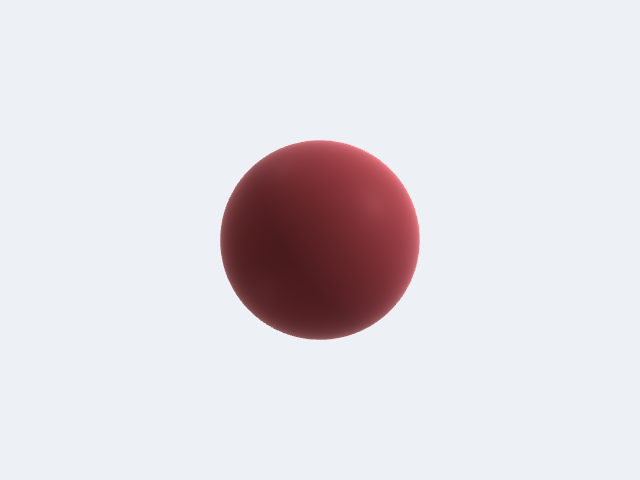
.studio
Neutral white lights from three directions at similar intensities. Softer shadows (shadowSoftness 0.5), matcap blend 0.15 for a soft product-shot feel. Good for plastics and painted surfaces.
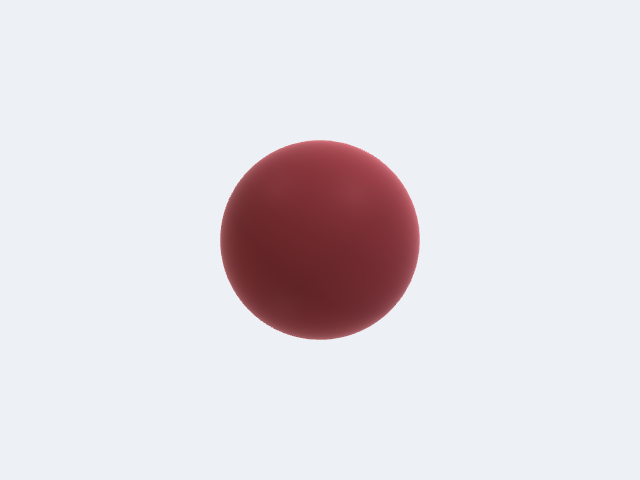
.architectural
Strong warm sunlight key (intensity 1.2, warm 1.0, 0.95, 0.9), sky-blue fill, hard shadows (shadowSoftness 0.2). Matches outdoor daylight conditions.
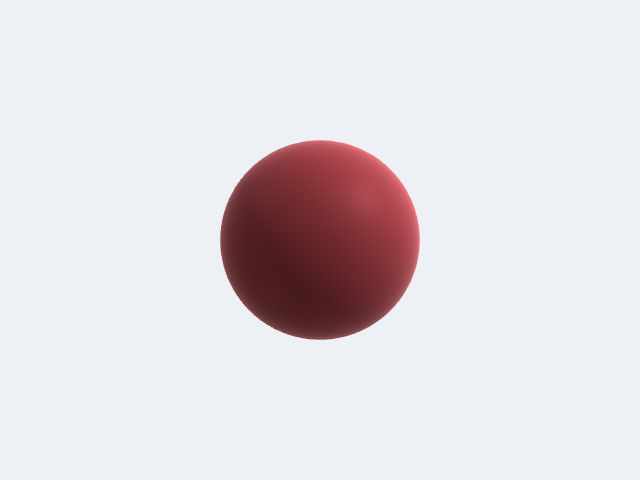
.flat
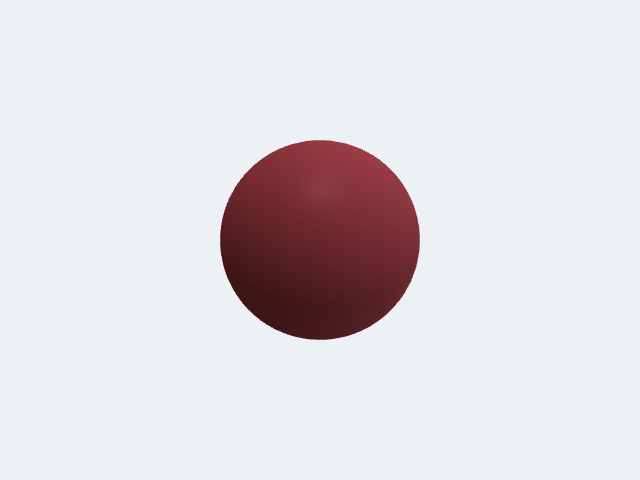
Single frontal key at intensity 0.8, fill and back both disabled (intensity 0.0), ambient 0.6, shadows off, specular and Fresnel both zero. Use for technical drawings or whenever directional shading would distract.
Key Controls
LightingConfiguration is a value type — mutate a copy and assign it back:
var lighting = controller.lightingConfiguration

// Increase shadow softness for a softer penumbra.
lighting.shadowSoftness = 0.6       // 0 = hard, 1 = soft

// Reduce shadow opacity so geometry under shadow is still readable.
lighting.shadowIntensity = 0.15     // 0 = invisible, 1 = fully opaque

// Tighten specular highlights for a shinier appearance.
lighting.specularPower = 128.0      // higher = smaller, tighter highlight
lighting.specularIntensity = 0.8    // 0–1

// Strengthen the Fresnel rim glow on silhouette edges.
lighting.fresnelPower = 2.5         // lower = broader rim
lighting.fresnelIntensity = 0.5     // 0–1

// Boost SSAO for more contact shadow depth.
lighting.ssaoRadius = 1.0
lighting.ssaoIntensity = 0.9

// Tone-mapping exposure.
lighting.exposure = 1.2             // default 1.1

controller.lightingConfiguration = lighting
Individual Light Settings
Each of the three directional lights (keyLight, fillLight, backLight) is a LightSettings value:
var lighting = controller.lightingConfiguration

// Swap the fill light to a warm practical tone.
lighting.fillLight = LightSettings(
    direction: simd_normalize(SIMD3<Float>(0.6, -0.1, -0.5)),
    intensity: 0.45,
    color: SIMD3<Float>(1.0, 0.9, 0.7)   // warm amber
)

// Disable the back light entirely.
lighting.backLight.isEnabled = false

controller.lightingConfiguration = lighting
LightSettings.init defaults: intensity 1.0, color white, isEnabled true, lightType .directional, position .zero.
Per-Body PBR Materials
ViewportBody has two ways to express surface appearance:
- Simple path:
color: SIMD4<Float>,roughness: Float(default 0.5),metallic: Float(default 0.0). These are combined into aPBRMaterialinternally viaeffectiveMaterial. - Full PBR path:
material: PBRMaterial?. When set, it overridescolor/roughness/metallicentirely and unlocks clearcoat, IOR-driven Fresnel F0, and emissive channels.
PBRMaterial Parameters
| Parameter | Type | Default | Notes |
|---|---|---|---|
baseColor | SIMD3<Float> | (0.8, 0.8, 0.8) | Linear RGB. Albedo for dielectrics, F0 tint for metals. |
metallic | Float | 0 | 0 = dielectric, 1 = metal. |
roughness | Float | 0.5 | 0 = mirror, 1 = fully rough. Squared internally for GGX. |
ior | Float | 1.5 | Index of refraction. Drives F0 for non-metals. Ignored when metallic >= 1. |
clearcoat | Float | 0 | Polyurethane-like second lobe strength. 0 = none, 1 = full. |
clearcoatRoughness | Float | 0.03 | Roughness of clearcoat layer, independent of base roughness. |
emissive | SIMD3<Float> | (0, 0, 0) | Linear RGB emission color. |
emissiveStrength | Float | 1 | Multiplier on emissive before tonemapping. Values > 1 produce HDR emission. |
opacity | Float | 1 | 1 = opaque, < 1 = alpha-blended. |
Built-in Presets
Use the static accessors directly — no string lookup required:
| Preset | metallic | roughness | Notes |
|---|---|---|---|
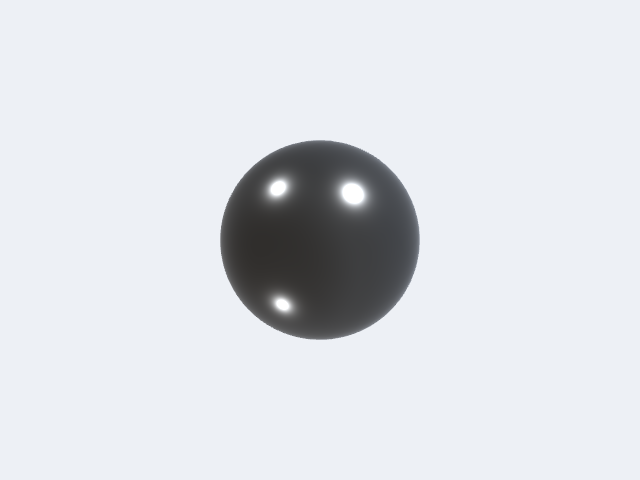
.steel | 1 | 0.35 | Mid-grey machined steel |
.brushedAluminum | 1 | 0.55 | Light grey, higher roughness |
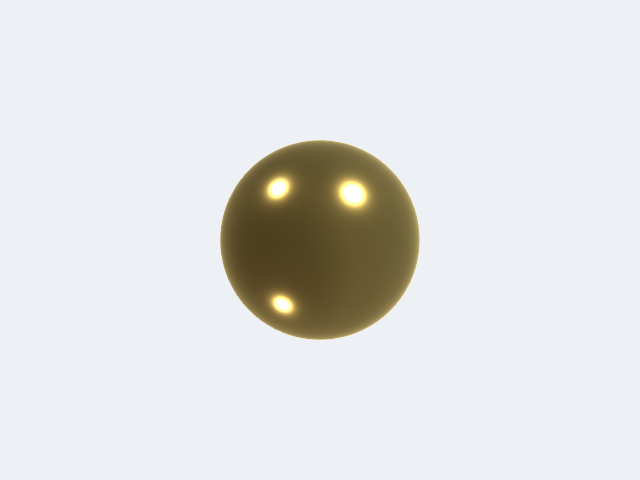
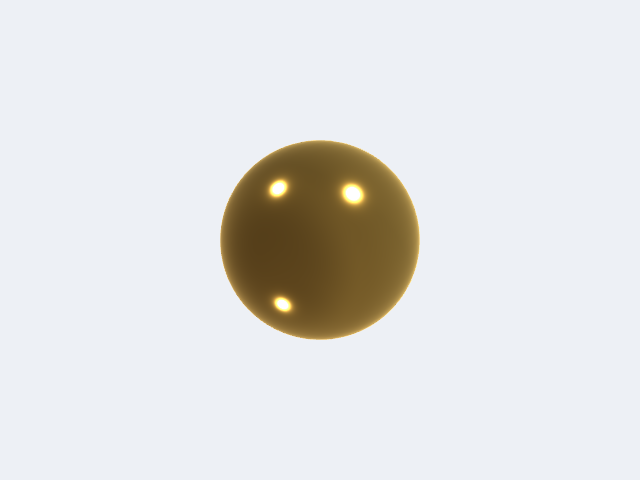
.brass | 1 | 0.30 | Gold-yellow tint |
.copper | 1 | 0.30 | Pink-red tint |
.chromedSteel | 1 | 0.05 | Near-mirror chrome |
.gold | 1 | 0.20 | Warm yellow gold |
.titanium | 1 | 0.45 | Slightly warm grey |
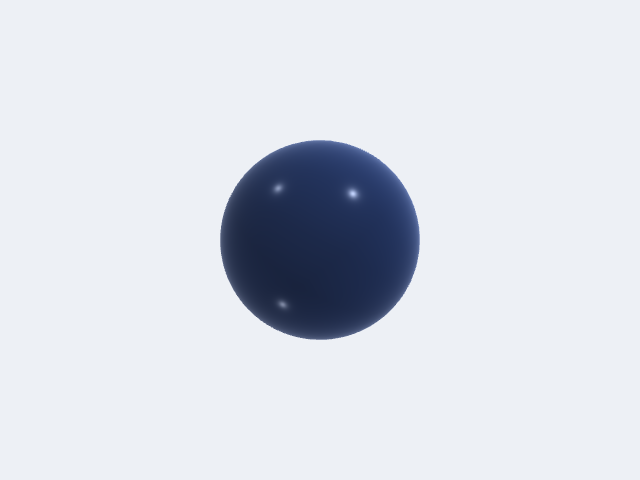
.plasticGlossy | 0 | 0.25 | Blue-tinted, IOR 1.5 |
.plasticMatte | 0 | 0.85 | Neutral grey, IOR 1.5 |
.paintedAutomotive | 0 | 0.65 | Red, clearcoat 1.0, clearcoatRoughness 0.04 |
.rubber | 0 | 0.95 | Near-black, very rough |
.glass | 0 | 0.05 | Near-white, opacity 0.3, IOR 1.5 |
All presets are also available via PBRMaterial.presets["key"] and MaterialLibrary.bundledPresets() (as NamedMaterial with prettified display names).
// Assign a preset material to a body.
var body = ViewportBody(
    id: "bracket",
    vertexData: vertices,
    indices: indices,
    edges: edges,
    color: SIMD4<Float>(0.56, 0.57, 0.58, 1)
)
body.material = .steel

// Or build a custom material inline.
body.material = PBRMaterial(
    baseColor: SIMD3<Float>(0.1, 0.35, 0.1),   // dark green
    metallic: 0,
    roughness: 0.7,
    ior: 1.5
)
Clearcoat Example
Clearcoat is ideal for car paint, lacquered wood, or any surface with a hard transparent top layer over a rougher base:
body.material = PBRMaterial(
    baseColor: SIMD3<Float>(0.7, 0.05, 0.05),  // red
    metallic: 0,
    roughness: 0.65,
    ior: 1.5,
    clearcoat: 1.0,
    clearcoatRoughness: 0.04
)
// Equivalent to PBRMaterial.paintedAutomotive (with a different baseColor).
Emissive Example
emissiveStrength values above 1 are HDR; they will bloom through the tonemapper:
body.material = PBRMaterial(
    baseColor: SIMD3<Float>(0.05, 0.05, 0.05),
    metallic: 0,
    roughness: 0.9,
    emissive: SIMD3<Float>(1.0, 0.4, 0.0),     // orange glow
    emissiveStrength: 3.0
)
Semi-transparent Body
Combine opacity < 1 with the .glass preset (or any material) to produce alpha-blended geometry. The renderer automatically sorts transparent bodies back-to-front:
var cover = ViewportBody(
    id: "cover",
    vertexData: coverVerts,
    indices: coverIndices,
    edges: [],
    color: SIMD4<Float>(0.95, 0.97, 0.98, 0.3)  // ignored when material is set
)
cover.material = .glass   // baseColor (0.95,0.97,0.98), opacity 0.3 built in
Image-Based Lighting (HDR Environment Maps)
Supplying an HDR environment map upgrades ambient and specular contributions from the three-point rig to full image-based lighting: the renderer generates a prefiltered specular mip chain (128 px cube, 8 mip levels), a 32 px diffuse irradiance map, and a BRDF integration LUT — all on the GPU at load time.
Loading from a .hdr File URL
Set environmentMapURL in the lighting configuration. The renderer calls HDRLoader.loadFromURL(_:) (Radiance RGBE .hdr/.rgbe/.pic) and uploads the result automatically:
guard let url = Bundle.main.url(forResource: "studio_garden_2k", withExtension: "hdr") else {
    return
}

var lighting = controller.lightingConfiguration
lighting.environmentMapURL = url
lighting.environmentIntensity = 1.0   // IBL contribution multiplier
lighting.drawBackground = true        // render the map as a skybox background
lighting.backgroundExposure = 0.8     // darken background without dimming lighting
lighting.environmentRotationY = .pi / 4  // rotate environment 45° around Y
controller.lightingConfiguration = lighting
environmentIntensity scales the IBL contribution independently of the three directional lights. drawBackground controls whether the cubemap is rendered as the scene background; turning it off leaves a solid clear colour while IBL lighting still applies to geometry.
Rotating the Environment
environmentRotationY (radians, range 0…2π) rotates reflections and lighting without moving scene geometry. This lets you align a key reflection with a product silhouette:
lighting.environmentRotationY = .pi   // rotate 180°
controller.lightingConfiguration = lighting
Combining IBL with the Directional Rig
IBL and the three-point rig are additive. A common product-shot setup suppresses the directional lights and relies entirely on the environment:
var lighting = LightingConfiguration.studio
lighting.keyLight.intensity = 0.0
lighting.fillLight.intensity = 0.0
lighting.backLight.intensity = 0.0
lighting.ambientIntensity = 0.0
lighting.environmentMapURL = hdrlUrl
lighting.environmentIntensity = 1.2
lighting.drawBackground = true
lighting.backgroundExposure = 0.4   // dark background, bright lighting
controller.lightingConfiguration = lighting
Using ViewportConfiguration
lightingConfiguration is also a field on ViewportConfiguration, so you can set it at construction time before handing the config to a ViewportController:
var config = ViewportConfiguration()
config.lightingConfiguration = .architectural
let controller = ViewportController(configuration: config)
The default ViewportConfiguration.init passes .threePoint as the lighting default.